Why Nonprofits Should Use Video to Share Your Mission and Increase Support
If your organization has been avoiding video because it feels expensive, technical, or intimidating, you are not alone. Many nonprofit teams know video matters, but they hesitate to begin. They worry they do not have the right camera, enough time, a polished speaker, or a full communications team. The good news is that none of those concerns have to stop you.
The real question is not whether your nonprofit can become a professional studio. The real question is whether you can use video to share your mission and increase support in a way that feels clear, human, and sustainable.
That shift changes everything.
Video is not just a marketing format. It is one of the fastest ways to make your mission tangible. A written paragraph can explain your work. A strong video can help people feel it. Supporters can hear a voice, see a face, and understand the urgency and hope behind your organization in seconds. That emotional clarity is exactly why more organizations continue to invest in video, and why audiences increasingly prefer short video when learning about an organization or offering.
For nonprofits especially, video helps bridge a common gap: people may care about your cause in general, but they do not always understand what your organization specifically does. A simple mission video can close that gap. It can show the problem, introduce the people involved, explain the response, and invite the viewer into the story.
That is why learning how to use video to share your mission and increase support is no longer optional for many organizations. It is now part of building trust, visibility, and long-term community engagement.
The real reason teams hesitate to start
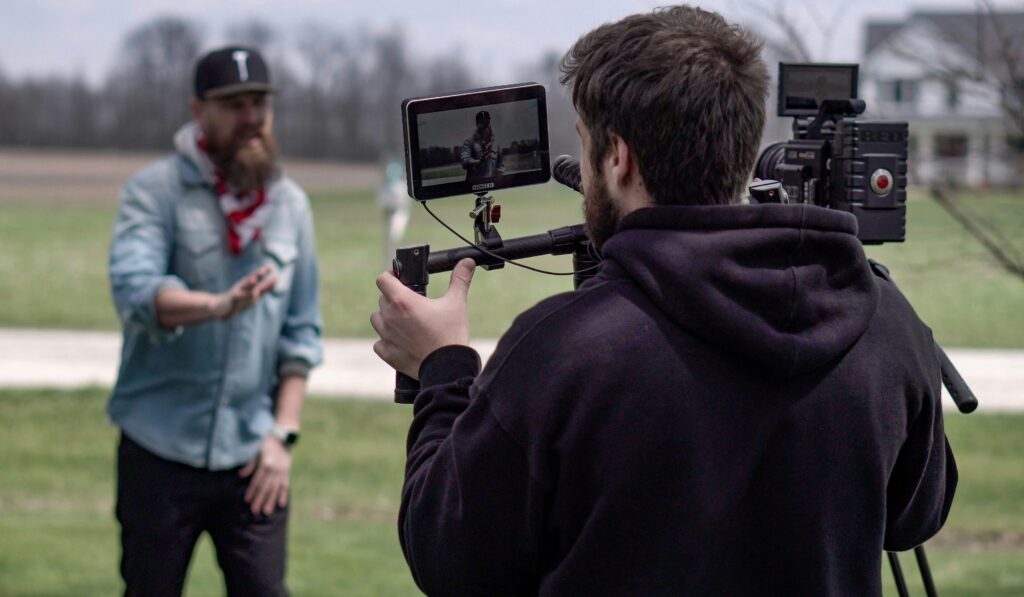
Most nonprofit video hesitation is not actually about technology. It is about fear.
Teams fear looking unprofessional. They fear saying the wrong thing. They fear putting out something that does not perform well. They fear asking program staff or beneficiaries to participate. They fear the process will take too much time and create one more unfinished project.
All of that is understandable. But hesitation often comes from comparing your first nonprofit video to someone else’s tenth professionally produced campaign.
That comparison is unfair.
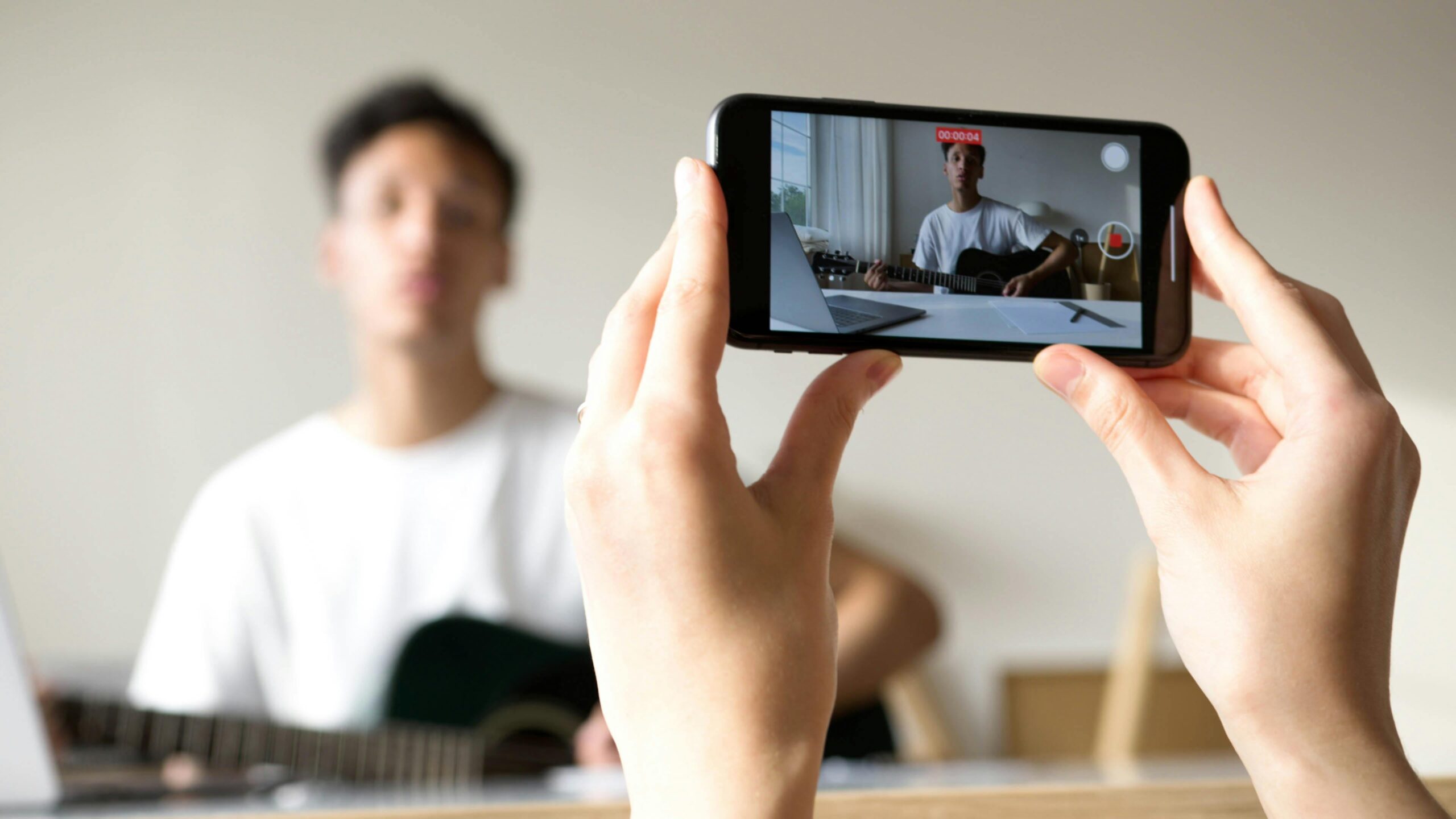
You do not need cinematic perfection to use video to share your mission and increase support. You need clarity, empathy, and a repeatable process. In fact, nonprofit guidance increasingly stresses that smartphone video can still feel authentic and effective when the story is strong and the message is sincere.
What video does better than text alone
A good blog post explains. A good video connects.
That does not mean video replaces written communication. It means video adds emotional texture that text often cannot carry on its own. Supporters can see a volunteer’s commitment, hear a beneficiary’s gratitude, or watch a staff member explain the mission in plain language. That immediacy builds understanding quickly.
Recent research also shows that people frequently use video to learn, and many prefer short video over other content formats when they want to understand something clearly.
For nonprofits, this matters because supporters are busy. They may not read a long annual report or a full case for support. But many will watch a 60-second or 90-second mission-centered video if it is relevant and emotionally grounded.
Start with one purpose, not one camera
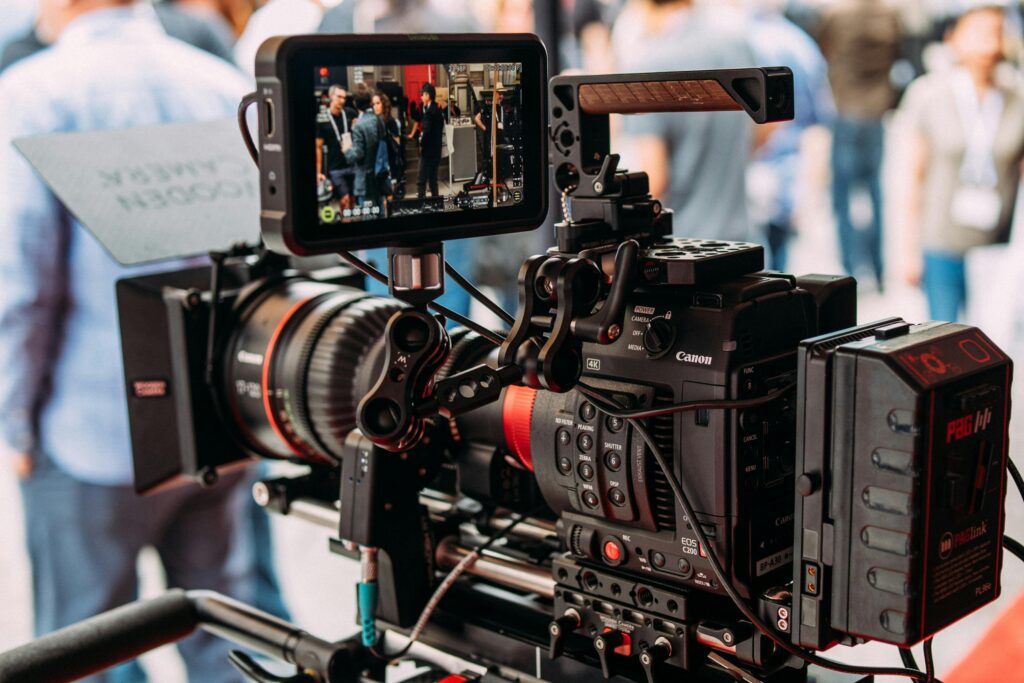
Before you worry about gear, start by answering one question: what should this video do?
Do you want it to:
- introduce your mission,
- explain a campaign,
- thank supporters,
- recruit volunteers,
- show impact,
- or invite monthly giving?
When your purpose is clear, your script becomes clearer. Your filming becomes easier. Your edit gets shorter. Your results become easier to measure.
Many nonprofit videos fail because they try to do everything at once. They explain the history of the organization, highlight every program, include five interviews, mention a fundraising event, and ask viewers to donate, volunteer, subscribe, and share. That is too much.
To use video to share your mission and increase support, choose one outcome per video. Simplicity improves results.
The 5-part nonprofit mission video structure
If you want a practical model, use this simple framework:
1. Start with a human moment
Open with a real person, real voice, or real situation. Avoid beginning with a generic statement like, “Our nonprofit was founded in 2014.” Start where emotion lives.
For example:
“Every afternoon, Maria waited outside the clinic hoping someone would have room to help her son.”
That is more powerful than an abstract description of your services.
2. Name the problem clearly
Show what challenge exists and why it matters. Keep it simple and concrete. The viewer should quickly understand what is at stake.
3. Show your response
Now explain what your organization actually does. Be specific. Do not just say you “empower communities.” Show how.
4. Reveal the impact
What changed because your organization showed up? This is where you connect mission to outcome.
5. Invite one next step
Ask the viewer to do one thing: give, volunteer, share, subscribe, attend, or learn more.
This structure makes it easier to use video to share your mission and increase support without overcomplicating the message.
How to tell a mission story without exploiting anyone
This is one of the most important parts of nonprofit video work.
Powerful storytelling should never come at the cost of someone’s dignity. Ethical storytelling has become a major concern across the sector, especially as nonprofits navigate consent, bias, AI-generated content, and increased scrutiny around representation.
That means your video process should include:
Clear consent
People should understand how their image and story will be used, where it will appear, and for how long.
Dignity over shock
Do not use painful imagery just to provoke donations. Show humanity, not just hardship.
Accuracy
Do not exaggerate details to make the story more dramatic.
Context
Avoid making one person stand in for an entire community without nuance.
Collaboration
Whenever possible, let participants review how their story is framed.
When you use video to share your mission and increase support, trust grows when supporters sense integrity in the way stories are gathered and shared.
The best types of nonprofit videos for beginners
You do not need to begin with a major campaign film. Start with formats that are easier to produce and easier to repeat.
The mission explainer video
This is your foundation. It answers: who are you, what do you do, why does it matter, and how can someone help?
The impact story video
Feature one person, family, volunteer, or staff member whose story reflects the mission.
The thank-you video
A simple thank-you message strengthens donor relationships and makes support feel personal. Nonprofit fundraising guidance consistently highlights thank-you videos as a useful relationship-building tool.
The campaign appeal video
Use this when raising money for a specific need, event, or deadline.
The behind-the-scenes video
Show daily work, field visits, preparation, or staff moments. These build familiarity and transparency.
If your team feels anxious, start with a thank-you or behind-the-scenes video. These are often the easiest way to use video to share your mission and increase support without the pressure of creating a “perfect” flagship piece.
Low-budget video tips that still look credible
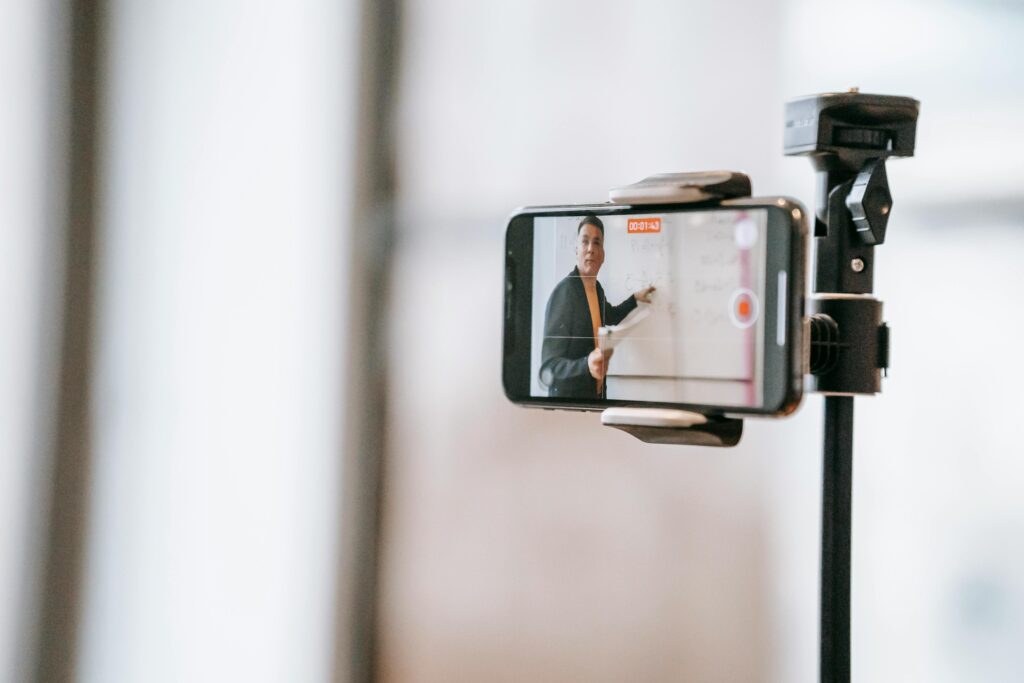
You do not need a large budget to make useful videos. You do need a few basics.
Prioritize audio over fancy visuals
People will forgive average visuals faster than poor sound. Film in quiet spaces and use a simple microphone if possible.
Use natural light
Stand near a window or shoot outdoors in soft daylight.
Keep the camera steady
A basic tripod makes a major difference.
Frame with intention
Simple composition matters. Nonprofit video guidance often recommends practical framing rules such as keeping the subject off-center and using balanced visual layout for interviews.
Write short scripts
Most nonprofit videos become stronger when the message is shorter.
Add captions
Many people watch with the sound off, especially on social platforms.
Use b-roll
Film extra footage of your environment, services, volunteers, or materials. This makes editing easier and helps hide cuts.
These simple practices help you use video to share your mission and increase support without waiting for ideal conditions.
What to say on camera when you are nervous
A lot of video hesitation comes from not knowing what to say.
Try this simple script starter:
For a mission video
“We exist because too many people in our community are facing [problem]. Every day, we work to [solution]. With support from people like you, we are able to [impact].”
For a campaign video
“This month, we are raising support for [specific goal]. Your help will make it possible to [specific result].”
For a thank-you video
“Because of your support, we were able to [specific outcome]. Thank you for helping make this possible.”
Nobody needs to sound like a broadcaster. People respond to sincerity. In fact, trust is shaped not only by quality, but by whether the message feels honest and human.
Where to publish your nonprofit video
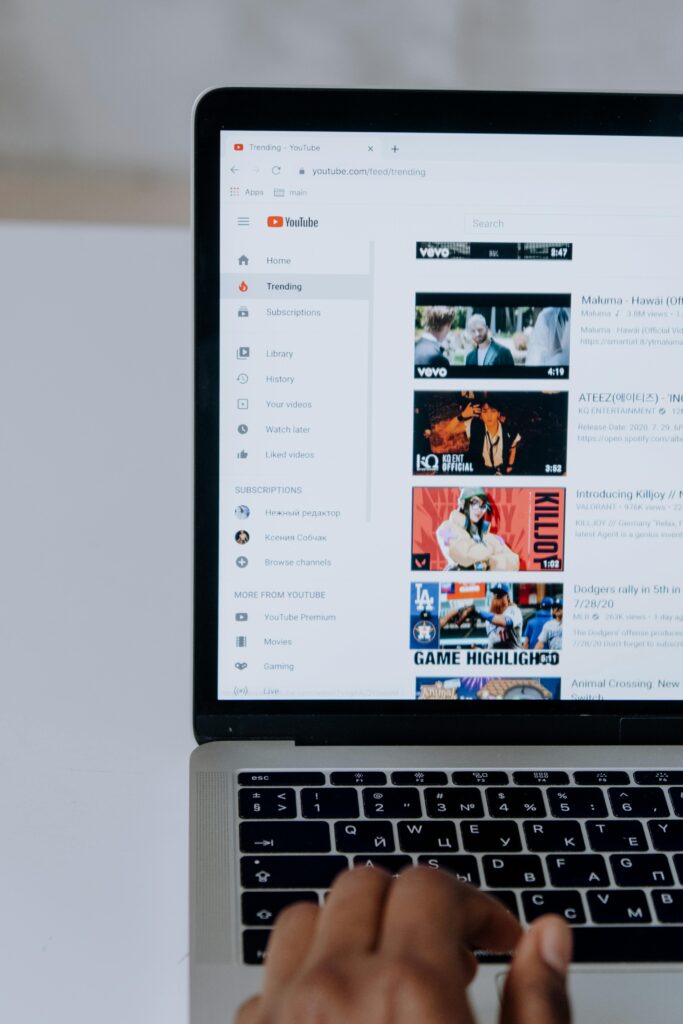
Once your video is ready, do not post it once and forget it.
Use it in multiple places:
Your homepage
A mission video on your homepage can help first-time visitors quickly understand your work.
Donation pages
Nonprofit fundraising guidance notes that videos can strengthen campaign and donation-page engagement when used intentionally.
Email campaigns
A thumbnail linked to a video often draws more attention than text alone.
Social media
Cut one longer video into shorter clips for Instagram, Facebook, LinkedIn, TikTok, or YouTube Shorts where appropriate.
Event presentations
Use video at galas, briefings, webinars, or community gatherings.
Grant and partner communications
A short mission clip can help funders and collaborators quickly understand your work, as long as it is relevant and professional.
Repurposing is one of the smartest ways to use video to share your mission and increase support without constantly creating new material from scratch.
How to measure whether your video is working
Do not judge success only by views.
Views matter, but they are not the full story. A video with fewer views may produce stronger donations, more volunteer sign-ups, or better email clicks than a more widely watched one.

Track metrics such as:
Watch time
Did people stay with the story?
Click-through rate
Did they move to your donation page or website?
Conversions
Did anyone donate, register, subscribe, or volunteer?
Shares and replies
Did the content spark conversation?
Qualitative feedback
What did donors, staff, and community members say after watching?
Video marketers commonly report that video helps with awareness, understanding, leads, traffic, and time spent on site, which is useful context for nonprofits choosing what to measure.
A simple 30-day plan to get your first mission video done
If your team has been stuck, use this:
Week 1: Clarify
Choose one goal, one audience, and one core message.
Week 2: Gather
Write a short script, identify speakers, confirm consent, and list the shots you need.
Week 3: Film
Record interviews, b-roll, and a closing ask.
Week 4: Edit and publish
Add captions, keep it brief, publish it in more than one place, and track the response.
That is enough to begin.
You do not need a huge strategy deck before you start. You need a manageable first step. That is how organizations learn to use video to share your mission and increase support in a way that grows more effective over time.
Also read:Live Stream Fundraising: Tips That Actually Raise Money
Wrap Up
Video hesitation is real, but it does not have to control your communications strategy. The most effective nonprofit videos are not always the most expensive or the most polished. They are the clearest, most human, and most purposeful.
When you use video to share your mission and increase support, you help supporters see the people, purpose, and progress behind your work. You make your mission easier to understand. You make trust easier to build. You make action easier to take.
Start small. Start honestly. Start with one story, one message, and one invitation.
That is often all it takes to turn hesitation into momentum.
FAQs
1. What is the best length for a nonprofit mission video?
For most nonprofits, 60 to 90 seconds works well for social and homepage use. If the story is strong, 2 to 3 minutes can also work for events, donor cultivation, or campaign pages.
2. Do I need expensive equipment to make nonprofit videos?
No. Many nonprofits can use video to share your mission and increase support with a smartphone, a quiet room, natural light, and simple editing tools.
3. What should a nonprofit include in a mission video?
A strong mission video should include the problem, your response, the impact, and one clear next step for the viewer.
4. How often should nonprofits post videos?
Consistency matters more than volume. One useful video each month can outperform irregular bursts of content that are hard to sustain.
5. What if staff members are uncomfortable on camera?
Start with short, guided talking points or use voiceover with b-roll. Comfort usually grows with practice.
6. Can video really help increase donations?
Video can support donations by improving clarity, emotional connection, and trust, especially when paired with a clear ask and a relevant donation page.
7. Is it okay to use beneficiary stories in fundraising videos?
Yes, but only with informed consent, dignity, and careful attention to ethical storytelling practices.
8. Where should I post my mission video first?
Start with your website homepage, donation page, and email list. Then adapt shorter clips for social media.
9. What makes a nonprofit video feel authentic?
Real voices, specific stories, honest language, and visuals that match reality usually create a stronger sense of authenticity than overproduced messaging.
10. What is the easiest first video for a hesitant nonprofit team?
A thank-you video is often the easiest place to begin. It is short, relational, and easier to film than a full campaign story.